Maps as Interfaces – Historical GIS

Last Friday, I attended a workshop hosted by Geoff Cunfer, an agricultural historian, concerned with the agricultural history of the Great Plains, on the topic of Graphic Information Systems (GIS). Of particular importance, is the focus Dr. Cunfer places on the importance for GIS on “assembling, storing, manipulating, analyzing, and displaying geographically referenced information.” Yet, the information GIS offers is not merely geographical, even if geography is the “mode” by which information is conveyed by GIS. Rather, the user’s research agenda and the availability of data determines what “attributes” the maps used in GIS possess. Thus, it’s helpful to think of GIS as an archaeological tool whereby one may “dig” into the way maps change in order to create data-driven narratives.

As such, GIS is a great friend to historicist critics of literature. The interface of the GIS software used was very intuitive and graphically-focused (GUI) and the map attributes are ready-made for use in a statistics packet such as STATA or SPSS. It seems remarkably easy to map a novel with this software. Further, in addition to statistical analysis, GIS can be overlapped with a Network Cluster Analysis, allowing the maps to be layered in terms of attributes and methods.

Yet, GIS is not flawless – it requires some financial resources to get a project off the ground and the data-entry process is very labor-intensive. As a result, many existing GIS projects are team-based, collaborative, and tied to institutions, making GIS less open than it could be. However, GIS’ interface requires no coding like STATA does, meaning its learning curve is much less steep. Within an hour, and with some simple algorithmic instructions, most everyone at the workshop could assemble, label, and design a graph using operations the software is capable of.
Louisiana THATcamp 2016

A screen capture from the THATcamp schedule GoogleDoc.

Today I attended the Louisiana THATcamp, and I wanted to write about that experience while the events were still fresh in my mind. Because of the informal structure of the unconference, this will be a less formal review. #blameTHATcamp

Continue reading →

Interfaces

Screen Shot 2016-04-14 at 8.57.57 AM


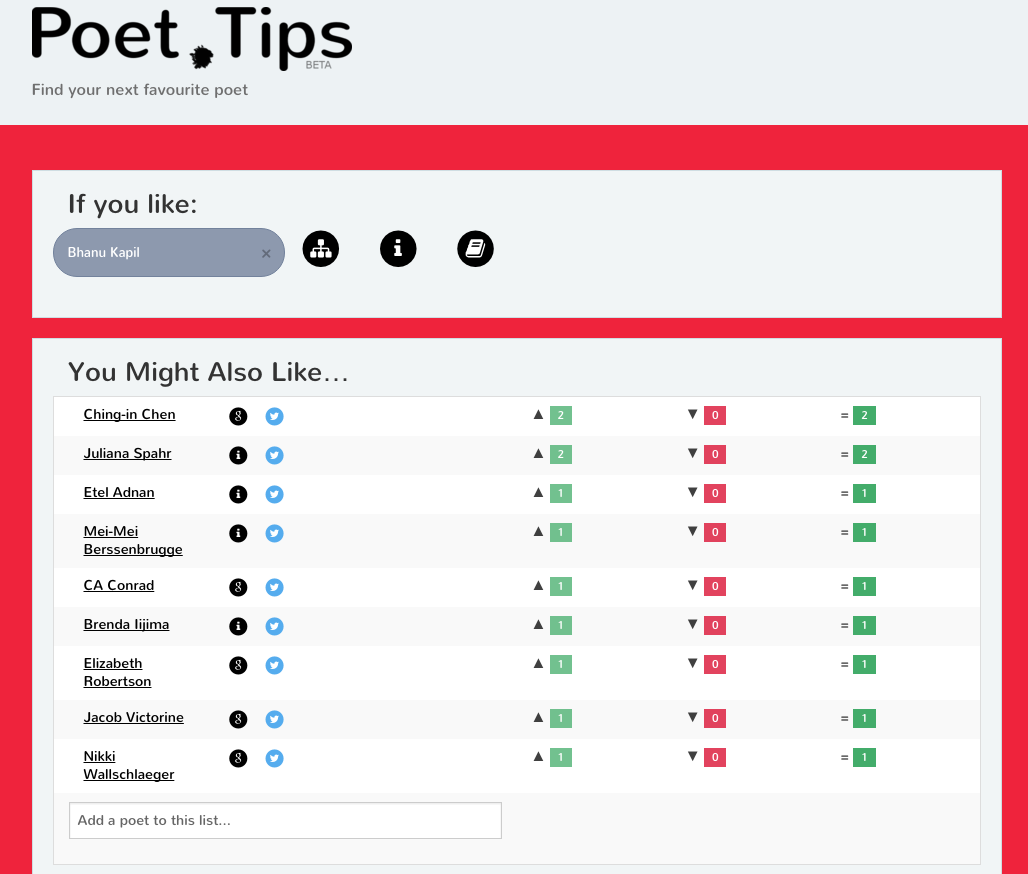
Poet Tips is a website for recommending poets. The interface is simple and straightforward–the front page loads into a blank box for users to enter the name of a poet. The site is easy to use and does not make false claims about its function. Kirschenbaum writes that: “The conventional wisdom, reinforced by commercial marketing campaigns like Microsoft’s “Where Do You Want to Go Today?” and AT&T’s “You Will”, is that computers can do just about anything we want them to do. As programmers and developers know, however, there are always limitations that come with particular hardware and software environments, and those limitations render the computer an eminently material medium…” The eminently material component of this site is that its info is user-generated, which leads users to question or wonder about the information presented, yet, at the same time, users are imbued with the power to diversify and change the site’s offerings. The process also may lead us to question how texts get canonized, to challenge the processes of literature-making, and to carry larger skepticism of the homogeneity in mainstream poetry circles.

Slightly unrelated — the article on cross-cultural considerations relies on some pretty serious cultural and gender essentialism, not to mention some pretty antiquated stereotypes surrounding culture, gender, and basic human psychology. The cartesian duality of emotion vs reason, of feminizing emotions and care, is the kind of dangerous biological determinism that really make little to no (good) impact in this sort of decision-making regarding user interface. This led me to wonder if better and more dynamic modes of discussing differences without essentializing has been/can be sought when it comes to making gross comparisons.

Visualizing Queer Embodiment and Reassessing the Temporality and Accessibility of Art

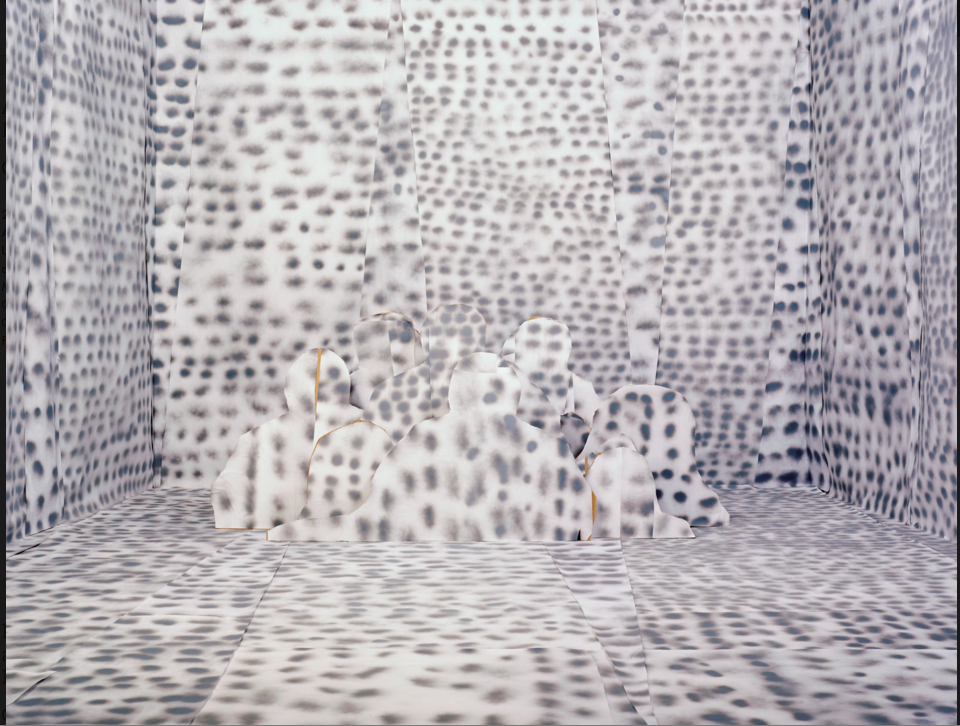
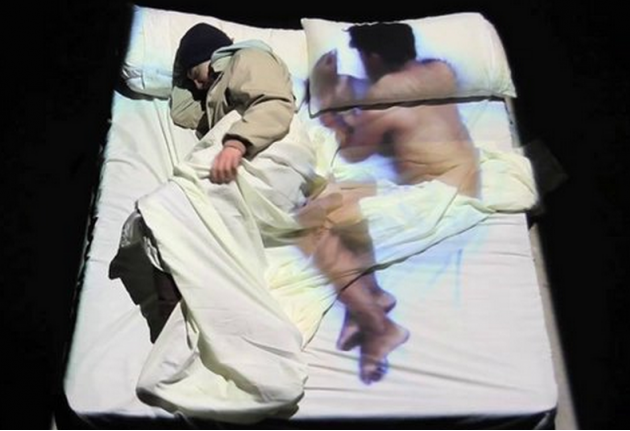
For this assignment, I had a hard time trying to find something that both incorporated a compelling interface with different forms of accessibility and had a more queer focus. I found a curated art project on the Center of Art and Thought’s website called Queer Sites and Sounds. Though Drucker states that “The field of visual epistemology draws on alternative histories of images produced primarily to serve as expressions of knowledge. For the study of graphesis, attention to fine art images will be largely left aside in favor of attending to the vast array of visual work produced for the purposes of interpretation or analysis in other fields” (17). So with this, I know I’m somewhat moving away from what Drucker is attempting to look at in her work, but I was captivated by this project by how it plays with time and representation of “fine art” online in a very queer presentation.

Screen Shot 2016-04-14 at 11.12.36 AM

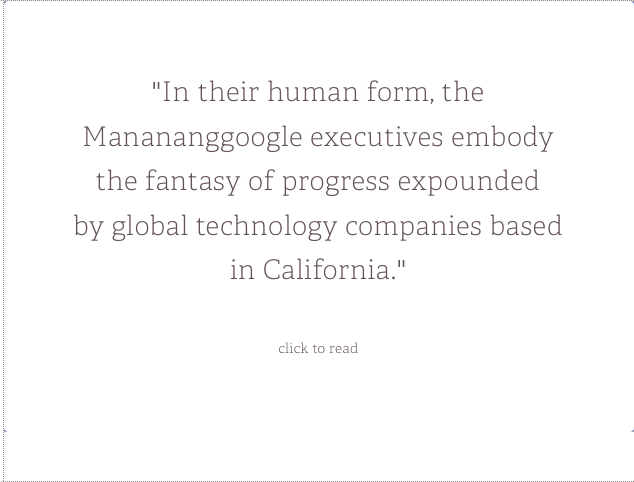
The curated work draws from various types of media. According to the artist statement at the top of the page: “Queer Sites and Sounds will feature digital artwork, videos, audio recordings, scholarship, and writing that question the ways that we think of ‘queer’ as an embodied identity and ‘queer’ as it relates to narrative and digital forms and digital literacies.” This project is very much engaging with how the queer meets the digital. This project translates queerness from various perspectives and through different forms. Queerness is defined in the artist statement as “’queer’ is defined broadly to include non-heteronormative genders and sexualities in both Filipino and Western contexts (e.g., LGBTQ, bakla, and tomboy) as well as performativity and aesthetics (e.g.,  ‘kitsch,’ ‘spectacle,’ and ‘camp’) that challenge and go beyond how Filipino bodies, affects, and processes are conventionally understood.” This project both challenges artistic forms and presentation as well as larger socio-political representations of queer bodies.

Screen Shot 2016-04-14 at 11.13.04 AM

I both like the range of different types of media as well as the way they are presented on the site “Unlike real-time, real-world exhibitions in which the works are revealed all at once and often in a singular space, the works in Queer Sites and Sounds will unfold on CA+T’s website in stages.” The Queer Sites and Sounds exhibit is very much addressing the way that “high” art is often located and revealed in a single space, but this approach makes these images differently accessible online. They are not arranged in any linear fashion, but instead fit into its own non-linear queer temporality. 

Screen Shot 2016-04-14 at 11.12.49 AM

There’s no such thing as a perfect prosthetic…..

“It is impossible to express by words the glory, the splendor, the delicate gorgeousness which were softened into the beauty of this object. Nature’s ideal butterfly was here realized in all its perfection; not in the pattern of such faded insects as flit among earthly flowers, but of those which hover across the meads of paradise for child-angels and the spirits of departed infants to disport themselves with.” -Matthew G. Kirschenbaum

I get to this line. Stomach-pit-usual, I see the word perfect when perfect and I always have words, but can never get our stories straight. For whom do you make your objects shine? What is the insight of a butterfly when there is one butterfly and we are one butterfly, skipping on screen, and all our wings are engorged and tipped and we are one stepping horde and aren’t we fucking beautiful? Are you beautiful today?

“Most computer technologists don’t like to discuss it, but the importance of beauty is a consistent (if sometimes inconspicuous) thread in the software literature. Beauty is more important in computing than anywhere else in technology. … Beauty is important in engineering terms because software is so complicated…. Beauty is our most reliable guide to achieving software’s ultimate goal: to break free of the computer, to break free conceptually…. But as we throw off the limits, what guides us? How do we know where to head? Beauty is the best guide we have.”-Matthew G. Kirschenbaum

And now I know today’s laugh, like any other chortled beast: beautybeautybeauty, shineshineshineshineshineSHINE why can’t shine, why shine always sits in your gullet, and I reach for Beauty is a Verb like a lifeboat- all enacts in water. My body is an interface. My body is broken and unable to perform to specifications. It’s user friendly qualities are affixed to other spheres, so bodies without bodies because they are butterfly choose butterfly. A tome called one so they said no. I read “An Amputee’s Guide To Sex” by Jillian Weise and I don’t have anything left of this, I don’t have anything:

“Foreplay: To create an uninhibited environment for your partner, track their hands like game pieces on a board. For leg amputees, keep arms on upper body. For arm amputees, keep arms on lower body. Engage with like limbs. Keep half limbs out of reach. Your goal is to achieve a false harmony with their body

Sex: Mobility is key. If they see the half-limb then they become inhibited, nervous. They think, ‘Will it hurt like this? Would she tell me if it did?’ Mobility shows confidence. Think for two people. Know where your limbs are at all times; know where your partner’s limbs are at all times.”

…..I am 10 and my mother buys a one handed keyboard that I throw it into the garden. My mother is always the brunt of my beauty. I am always throwing interfaces into gardens; today will this screen be enough? My body is among the grass while I’m in the kitchen, red, learning to type to proper specification. Will I shineshineshine do I need some slicked-back-oil, do I need this other body yet or can we have 5 more minutes of some useless sex? As I hitched silicone to skin, my arm is in the yard but it is not mine. But it is interface, touch when my touch is without wing, without user friendly guidelines hitched to the umbilical cord, ok, I’d really like some fucking guidelines right now, is it for me? A gift of myself. Does my screen make you slit throat- get better beauty standards to define your technological specifications.

“Did you abdicate to beauty or pain? Say pain. It is easier for me to understand.”-Jillian Weise Think for all the walls and wrench yourself to pieces. Is one missing, they’ll say. These optional readings and I am always this: a relegated object, a relegated body, I am broken and I don’t have time, don’t take up time in their butterfly-classroom, take this talking arm with you on/for every occasion: I, or am I the way my stump swings? Don’t touch a crime scene, don’t talk to strangers, when every day the stump speaks and it say something different. Unwholesome mouth. Interact with me if you choose, but if a better scale comes along, I am slit throat. Am I in the room today?

“I want to be another poet. I want to be any other poet but me.”


TAL Archive Interface

Since my final project is an archive, I’ve been thinking about archive interfaces a lot lately.  We tend to think (at least I do) of this type of interface as one with relatively few “layers”, given that, operationally speaking, the function of an archive is relatively low in terms of interactivity.  With that being said, though, working on composing an archive has illustrated to me that the archive interface’s organization is almost as important as the contents it displays.  Because interface has high stakes for a project as the “bounded representational system possessed of its own ontological integrity and legitimacy” (Kirschenbaum), an archive project- as a collection of carefully chosen objects- is particularly in need of an interface suited to users’ experience of it.

So with this in mind, I chose an online archive that I use regularly, past episodes of “This American Life”: http://www.thisamericanlife.org/radio-archives. When I use it, I experience equal parts admiration and frustration.  The collection, firstly, is gargantuan, including every weekly episode (both audio and transcript versions) aired since 1995.  Second, users can manipulate the organization of the archive by category (date, staff favorites, tags, locations), which enhances the interactivity of the interface to some extent.  My frustrations with the interface exist only when I access it on my phone, which issues would be mended by purchasing the app, but…. I’m not gonna do that.  My primary frustration- namely, the “back” button leads you to the program’s most recent episodes, regardless of the previously visited page- is a feature that seems (presumably) calculated by the designer to point user focus towards the show’s newer material.  I think this is interesting in light of today’s readings:  we must assume that digital interfaces like these can’t be “ontologically decoupled from whatever ‘content’ [they] happen to embody” (Kirsch.).  Such is true with the interface of an archive: user experience depends on an awareness that the construction of a digital archive (and the motivations therein) is inevitably reflected in the interface’s functionality.

FiveThirtyEight Interactives – Electoral Statistics Made Easy

FiveThirtyEight is a website very near and dear to my heart. Headed by the statistics Wunderkind, Nate Silver, FiveThirtyEight is a data-driven news site dedicated to elucidating elections, sports, and other minutiae of daily life. This week, I’d like to focus on the interface regarding FiveThirtyEight’s election interactives. Unlike Politico’s nigh-unnavigtable election statistics and CNN’s gimmicky “horserace” type, I find FiveThirtyEight’s interactives to be the perfect marriage between interactivity and accessiblility.

For instance, on the linked page, one can see, in clearly defined and dileniated charts, how close the race is between Republican candidates. Further, I find that people tend to focus on popular vote as barometers of electoral competitiveness rather than delegate count. FiveThirtyEight, rather, focuses the attention almost entirely on the delegate count, showing a dynamic “target” that each candidate must reach in order to emerge from the primary contest victorious. Further, by scrolling over the x-axis of the target tracker, one gets a sense of the dynamism of the contest, as it gives an overview of almost all contest. From this, one can ascertain the work that goes into entry, coding, and plotting of data; this brings data “to life” as it were, showing that data is not a neutral category but the presentation of a healthy marriage of good aesthetic sensibilities and social scientific rigor.

The (Inter)faces of the Panama Papers

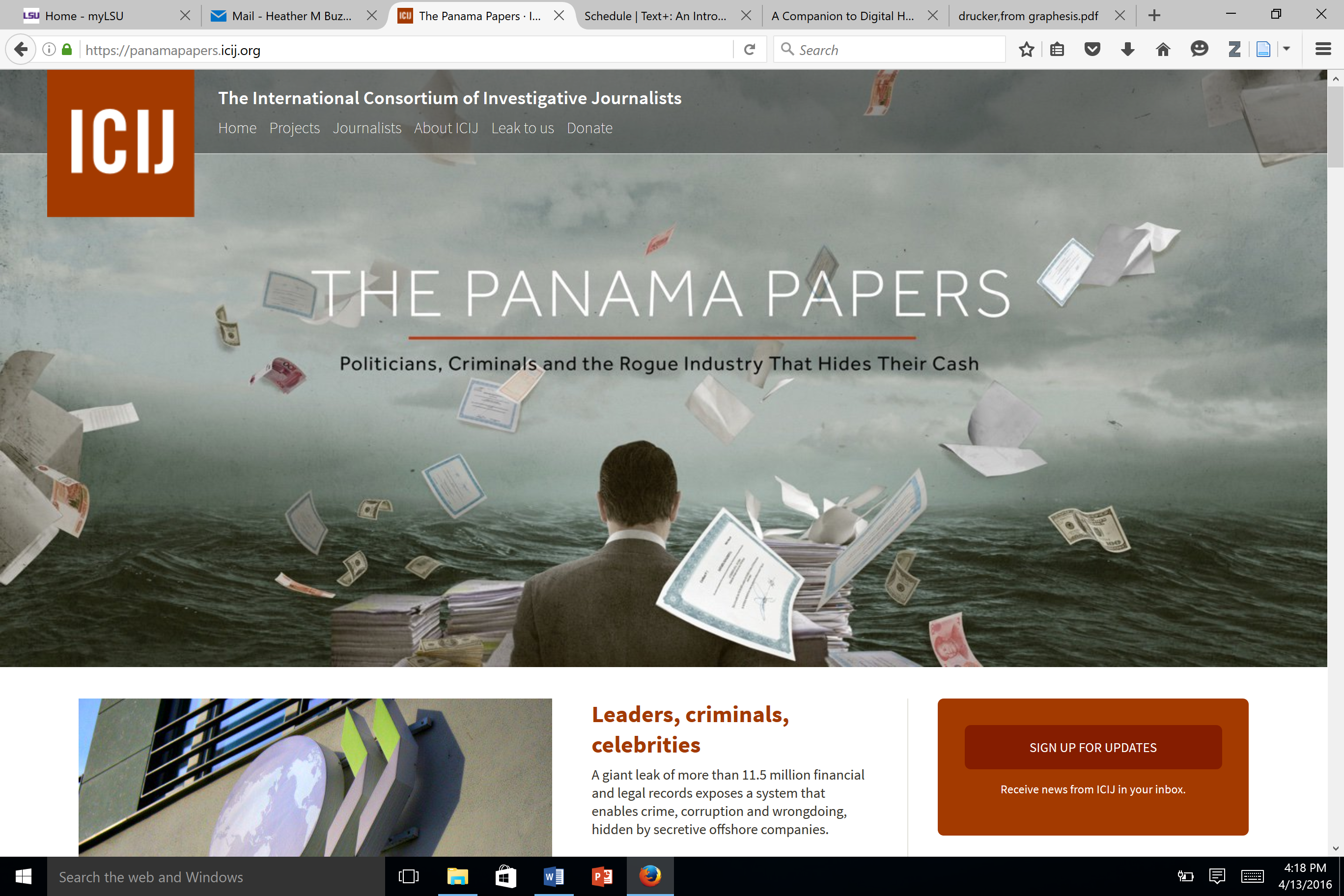
Panama Papers homepage

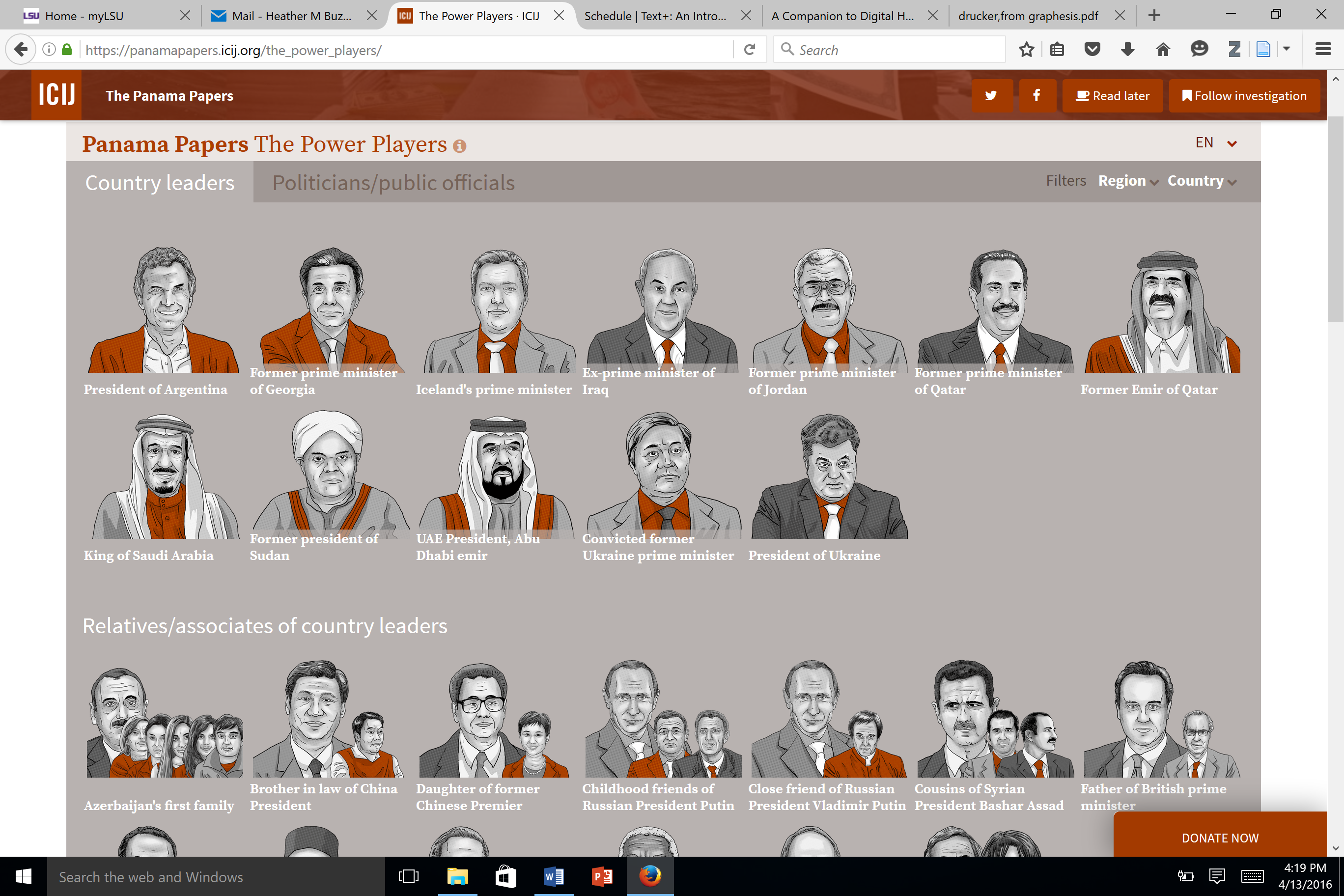
The Panama Papers is an interactive, informative website that outlines the ICIJ investigation of multiple political leaders and celebrities’ illegal activities evading taxes through offshore bank accounts. According to their website, “ICIJ and Süddeutsche Zeitung led a global investigation to unveil their secrets, publishing the first stories from ‘The Panama Papers’ on April 3, 2016.” They not only leaked these results to the web, but they even created a engaging, interactive website that walks the subject, as Drucker would say, through their data, methodology, and profiles of the people involved in this tax evasion. I thought this interface was particularly interesting in terms of both Drucker and Kirschenbaum’s pieces since this interface is both well-constructed, easy to navigate, and interactive while dealing with sensitive, political, information.

I really liked this website because it was very well put together. One of the first things we pointed out in the class was the aesthetics of the websites, and Kirschenbaum really deals with the tension between usability and beauty, as he quotes Gelernter who also points out, “the importance of beauty is a consistent…thread in the software literature”. I think this interface definitely balances between being aesthetically pleasing and usable.

Panama Papers interface

Additionally, while the website may oversimplifies the complicated processes involved with the illegal acts and obtaining the data, the interface is clean and easy to follow, mirroring the content which is also clean and easy to understand. From the interface, they also construct a clear narrative of the situation as they see it.

The interface also highlights Drucker’s idea of communities and networks and how they are represented in web environments:

“The new condition of scholarly activity is relational and dynamic. To visualize these networked relations, communities of scholarly exchange, argument, comment, linked references, framings, and embedded citations, new conventions that do not rely on book structures are emerging. Informational derivative of data mining, analytics, visualization, and display are increasingly a part of a reading environment in scholarly, political, and business activity. We have to imagine the design of a situation of sustained activity, a series of events.” (Drucker 176).

Not only does this interface showcase illegal networks and communities, but this interface and the data on it was only able to be obtained through these digital communities and networks just as it reveals illegal networks that were going on offshore to evade taxes. Additionally, like Sarah’s post, I thought it was interesting to look at an interface that dealt with the literal faces of illegal activities.

While I do really like the layout and design of this website, playing Devil’s advocate, I would like to further analyze this interface for the narrative it is telling as Drucker states, “Web environments not only make use of its dynamic graphics, with sliders, time-lines, and animations but also create spaces in which montage principles and editing techniques used in narrative come into play” (46). As Drucker says, this website’s interface tells a distinct story, through the cartoon sketches and easily manageable data, and I would be interested in analyzing this story further and its effect on the subjects that interact with it.


Reasserting the Importance (Primacy?) of Interface’s Physical Ontology

This is a Bop It:

BOP IT

Remember Bop It?! Great game. It has a speaker and it would command you to either “bop it,” “twist it,” or “pull it.” The player’s responsibility was to bop the Bop It button, twist the twistable lever, or pull the pullable handle when commanded. Remember this.

simon-game

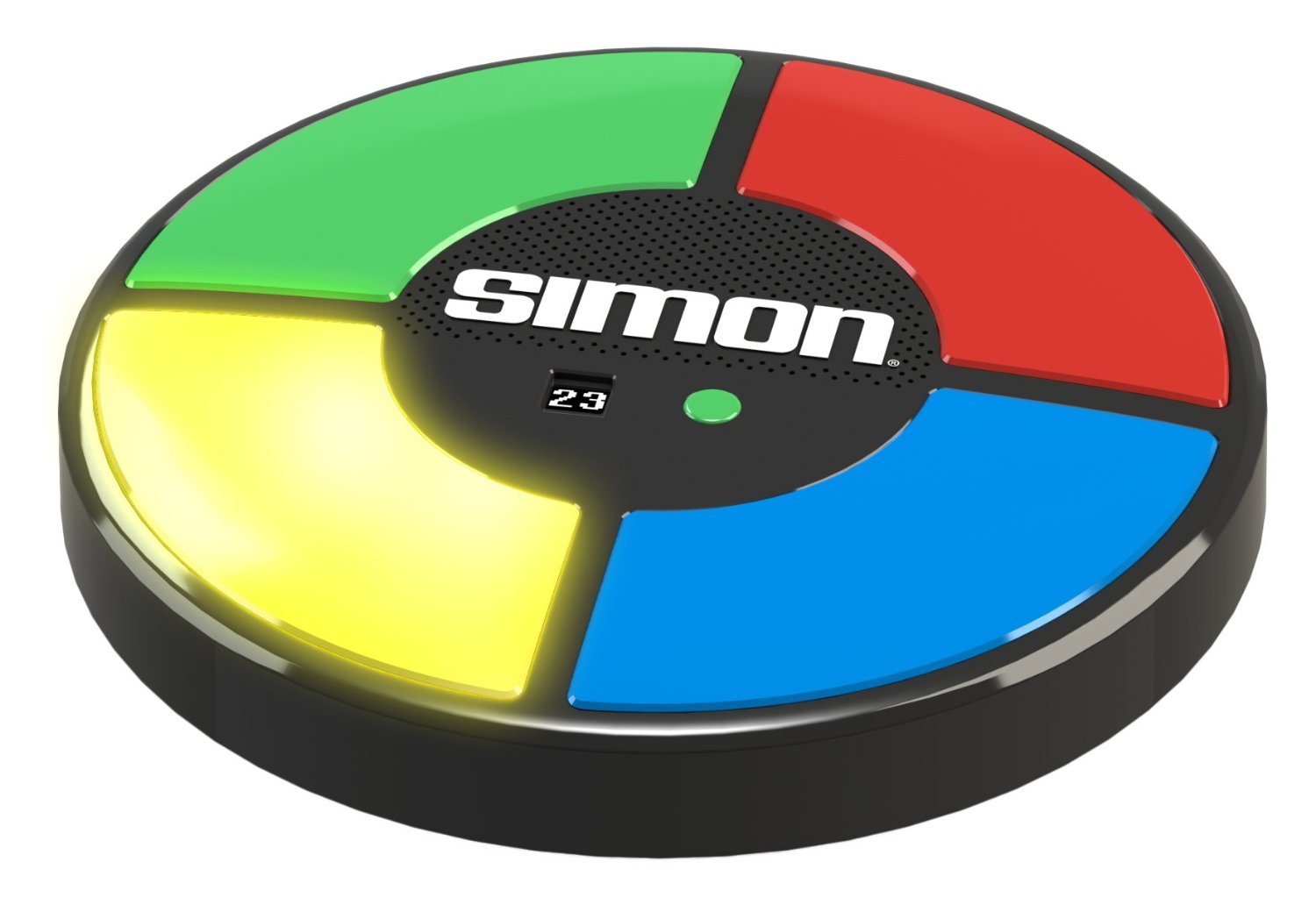
And look! A Simon! This game was far more cerebral than Bop It. When the game started, one of the colored quadrants would light up and play a specific tone. The player would press that quadrant. Each round, an additional quadrant would light up, and the player would have to repeat the whole order to advance. A kind of memory game.

The point is: interfaces negotiate physical action. Even the supposedly abstract interfaces of computer screens require physical engagement—seeing, reading, thinking. Despite these being largely sedentary, motionless tasks, they are physical.

An interface also refers back to the physical. Digital spatial arrangements can trace their roots to linear texts (books, encoded punchcards from early computers and their roots in handwritten logic and mathematical proofs); computer GUIs are drawn from a variety of influences including the filmic, library and scientific organizational/filing systems; with enhanced screen resolutions and processing speeds we even see visual arts and ideas of “realistic” spatial relations and physics intruding—think of modern video games, or the seemingly “real” way that icons on a computer screen slow down and stop when you drag them.

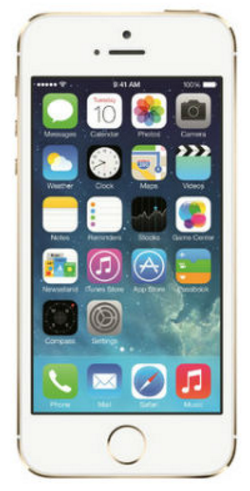
I think it’s easy to lose sight that the interface is not flat, shallow, or Other than the physical. And the more sophisticated technology becomes, the more we’re learning to meld the physical into the ephemeral-seeming digital interface. The Bop It and Simon did this through the concept of a game. The virtual commands required tactile responses. They were not very sophisticated—push this button, pull this lever—but they created the sense of spontaneous play in the absence of a physical person. Our devices are becoming tactile on a far more complicated level. Take the iPhone:

Screen Shot 2016-04-13 at 6.19.33 PM (In case you don’t know what one looks like)

A recent advent is the inclusion of fingerprint recognition on the home button. You can now unlock the phone without looking at it. This has created a new sense of a deeply, physically personal portal to our abstract world—clouds, networks, waves, signals.

I don’t have to tell you that the smartphone creates a novel physical experience. The vision of people walking around holding phones—whatever you think it says about people’s inner lives—is a new phenomenon, one derived from the appeal of the digital interface but enhanced (exacerbated?) and enabled by the way that interface melds into/corresponds with/comments on its physical interface (small, lightweight, portable, attractive, sleek, etc.).

Part of the genius of the smartphone is that, with sufficient computing power, it consolidates most of the visual/digital interfaces we’ve come up with to date (books, video games, web pages, calculators, cameras, televisions, maps, etc., etc., etc.,)—and does so in a physically convenient way. I feel I’ve rambled, but I just wanted to maybe suggest that there’s a lot more to the interface than graphic/spatial design; that interface accords in deep and powerful ways to our notions and preferences regarding the physical; that our collective imagination’s ideal for interface has always tended toward a sort of collapsing of digital and physical (The Matrix, Tron, Minority Report, The Purple Rose of Cairo); and that, in practice, the physical is invading the digital just as much as the other way around.

SFMOMA’s Artscope

tn10212_ArtScope_full

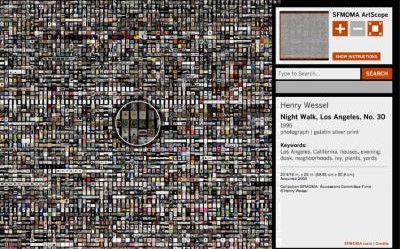
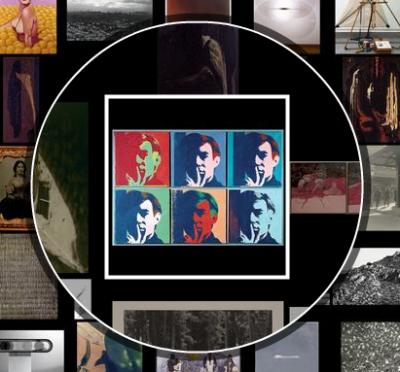
This is the San Francisco Museum of Modern Art’s ArtScope, a visual browsing tool containing 3,500 works from the museum’s permanent collection. What I think is interesting about the interface of the SFMOMA ArtScope is not only the choice to include the art itself as the center design of the interface (since showcasing the art is the project’s objective) but also the choice to display the art side by side with other works. No matter how far you zoom in on a specific work, you will still see other art works alongside it. This kind of interface seems more true to a museum experience, since even while viewing a work of art, we can usually see other works in our peripheral vision, and the placement of these works undoubtedly effects the experience of viewing each individual work. Through the website’s use of a “zoomed lens” to view individual works within a larger image, we are hyper-aware that each individual work is just one of a much larger collection. Furthermore, having an interface which allows the viewer to manipulate the view of the images places the visual at the forefront of the website’s experience. Although there is a sidebar which allows you to search for specific works, first time users will undoubtedly begin by playing with the image manipulation before looking for a specific work, exposing users to art which they otherwise might not have viewed.

tn10212_ArtScope_lens

There are also some aspects about this interface that I find troubling, mostly related to transparency. For example, the manner in which the items are organized isn’t disclosed. Also, although clicking on each work supplies the user with a few keywords, there isn’t any way to view all of the metadata for the website, which would probably help users search for specific works.


css.php